
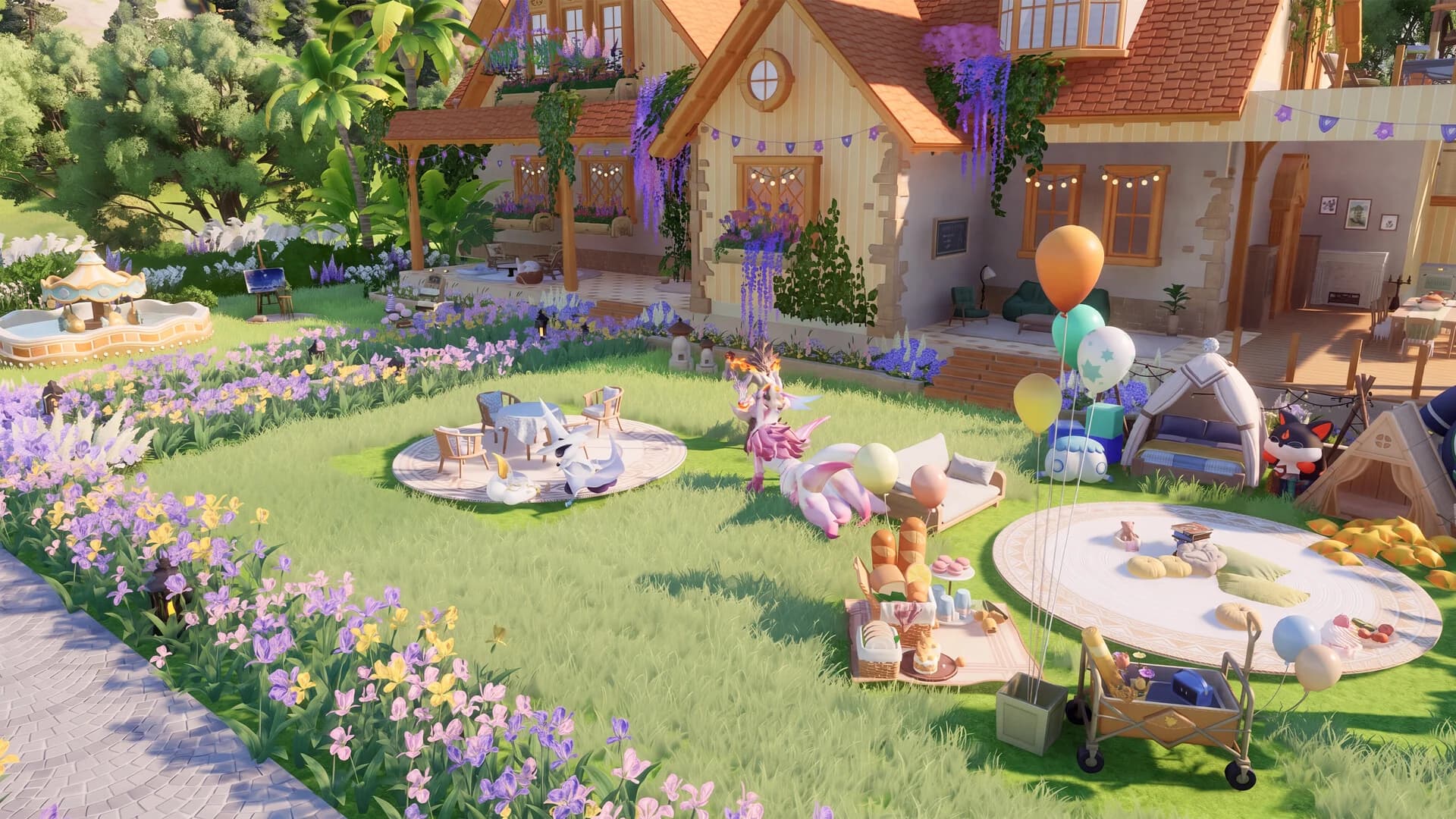
Your next RV upgrade & workers
Prepare your next upgrade, then find workers for the jobs you need. These older reference values were checked 2026-10-09; the October update added more RV levels. Compare every requirement with your upgrade screen before spending.
Next: RV 2
- Home Coins
- 140
- Materials
- 3 Wood Blocks
- Placed facilities & progress
- 4 farmland; The Wondrous RV
- Habitability
- The source lists no separate threshold for this level. Check your upgrade screen.
Place the listed number of facilities before upgrading. These counts describe the requirement, not the capacity gained.
Find a worker by job
12 matching companions in this guide
- Irisalis Grass 4 · Leisure 4
- Melloblum Grass 3 · Artisanship 3
- Waleetle Earth 3 · Hauling 3
- Celestis Leisure 1
- Helion Light 3 · Hauling 3
- Lunara Light 3 · Hauling 3
- Pawney Dark 3 · Hauling 3
- Stellarys Dark 3 · Leisure 3
- Turbo Wind 3 · Leisure 3
- Dreaple Dark 3 · Leisure 3
- Leafy Grass 3 · Hauling 3
- Dewy Perfumery 1
Only confirmed Basic Form work levels are listed. Unlisted abilities are unknown. Work-level reference
Furniture Habitability: three examples
Before buying more copies, check which pieces you own, their unlock requirements and placement limits. Duplicate furniture may not increase the displayed total each time.
- Lavender1 Habitability · placement limit 20
- Huge Colorful Rice100 Habitability · placement limit 20
- Huge Colorful Rose100 Habitability · placement limit 20
Companion contributions also vary with appearance. Check each Aniimo’s value in its management screen.
Check the next RV level before spending
Open Home, then Level Up RV. Compare the target level’s materials, placed facilities, quest and title requirements. The lookup above lists the facilities needed before an upgrade, not the larger capacity gained afterward.
Later levels also require Habitability. Published references disagree about the thresholds: for RV 10, one lists 8,000 and another 13,000. Check the requirement in your game before buying furniture.
Fill the job your current recipe needs
The steps for Intelligent Allocation are still unconfirmed. E-Mode is a separate control under Home Management → Production Area → Facility Management, as described in the September 23 update. To check a worker assignment manually, follow the steps below.
- Open a production facility and read the current recipe’s work ability and level.
- In the Home Aniimo screen, choose companions with the required work ability and level. Check their Home abilities separately from their combat elements.
- Check stored ingredients, food and Hauling coverage when production stalls. A finished stack still needs to reach storage.
How much more Habitability do you need?
Enter the current total and target shown in your RV upgrade screen. The calculator uses your values and keeps them on this page.
Enter two numbers of zero or more to see your remaining Habitability.
Place one owned item, check the actual increase, then decide whether another copy is useful.
- Start with furniture you own. Read its Habitability and placement limit, place one piece and compare the new total.
- Use the actual increase to decide whether more copies are worth buying. A listed value does not guarantee the same increase for every duplicate.
- Check resident Aniimo contributions in their management screen. After meeting the target, review the other RV requirements.
A home of your own, an RV for the road
Your RV leads into the Home introduction during The World Inside the RV. Follow the building objective and place the Hatchinator on a valid space before confirming. If building is locked, finish the current RV quest prompt first.
Grow crops and help a friend
Visit your friend’s Home and find a plot offering the soil-tilling interaction. Complete that interaction, then check the plot or reward message before moving on. Helping till soil can earn a share of the harvest.
- For your own garden, check the crop’s requirements in-game before committing resources.
- If no tilling prompt appears, ask your friend which plot needs help. Standing in their Home does not by itself finish a tilling objective.
- Check your active objective after the interaction; harvesting and tilling are different actions.
Magical Wonder Night replaced Harvest Moon after the October update. Reach RV 10 and complete Act Seven: Festivals of Astra for the Home season. Moonbeam Wheat, Moondew Radish Seeds and Waxing Moon Pepper Seeds convert to Home Coin; Waxing Moondew converts to Wonder Sugar Crystal. Check crop timers and rewards in game.
Build, decorate and share a Home
Home supports house building, shared furniture groups and full Home blueprint plans and codes. The October update also added new RV levels, a three-story structure, full skin replacement and Home weather.
- RV requirementsCheck requirements before spending
- CropsTend your plot or help a friend
- BuildingArrange, share or redecorate
- WorkGet to know your Aniimo
- DispatchesCheck the rewards before departure
Field Guide illustration based on the official Steam overview and launch developer letter. See Sources below.
- Try a small furniture arrangement before taking on a whole house.
- Use a furniture-group code for an arrangement or a blueprint code for a full Home plan.
- Unused furniture can be sold through the Co-op Store at a discount. Check the return before selling; it is not a full refund.
- Home season events offer furniture and formulas tied to the season.
Check which furniture you own and the cost of obtaining missing pieces before applying a shared plan. The October 30 fixes addressed a problem that prevented applying presets unless all furniture was owned.
Make room for your companions
Home companions gained petting, new idle behaviors and improved work logic for launch. These are distinct from the planned ACE voice conversations described in the AI guide.
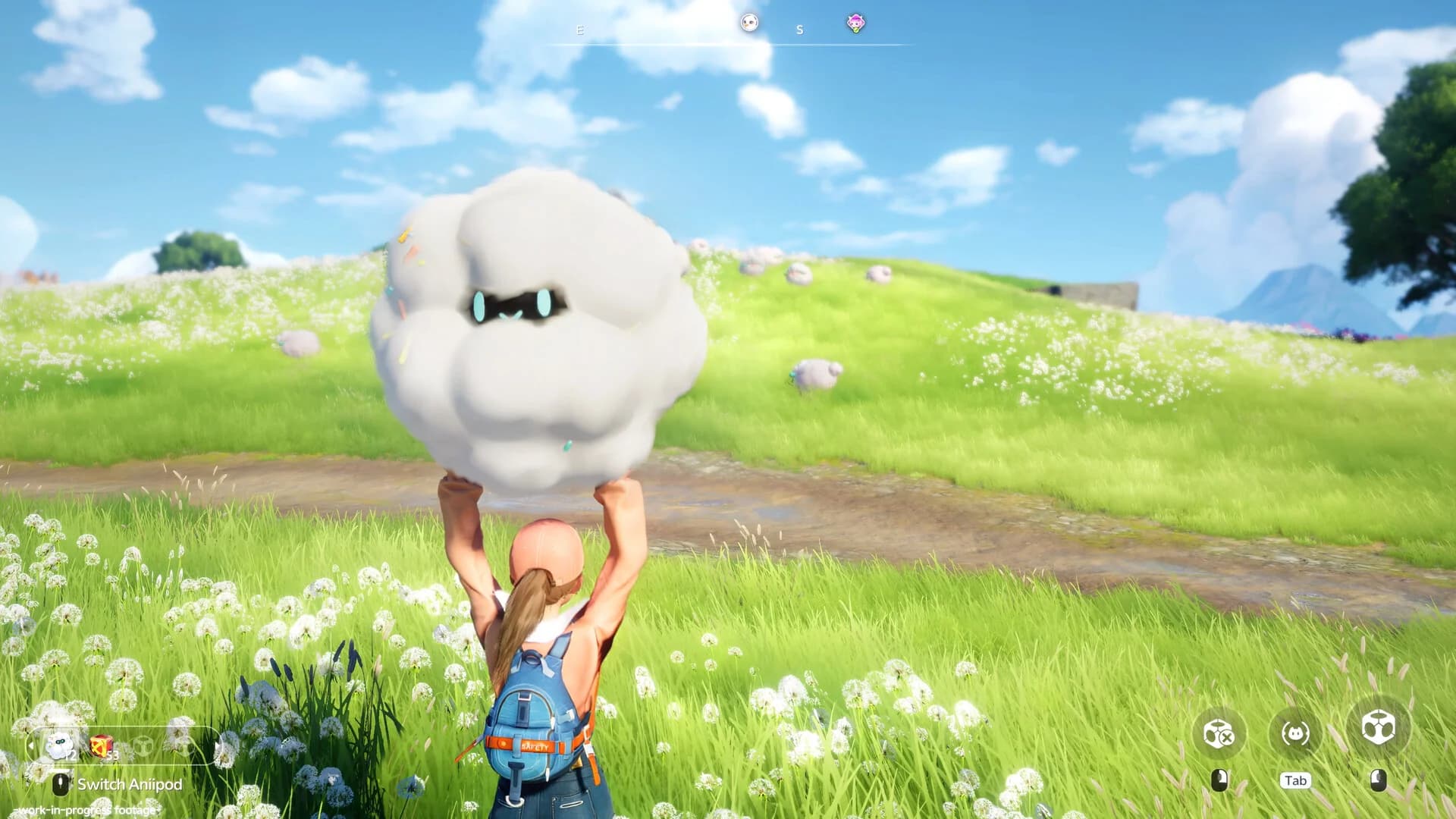
- Read the current work requirements before choosing a companion for a task.
- Leave time to explore the interactions, not just the production side of your Home.
Check what your RV can bring back
RV dispatches have a chance to yield eggs with the Prismana trait. The launch update also adjusted RV upgrade timing.
- Read the dispatch’s duration, eligibility and reward preview before choosing a companion.
- Check the return or claim screen after the trip. A possible egg reward is not a guaranteed one.
- If you receive an egg, read its own description and choose a compatible Aniipod at the Hatchinator. Prismana Flow is a separate encounter system.
RV dispatches and Home level-up rewards are separate sources. Home levels 15 and 18 have announced egg rewards; those levels do not establish an RV dispatch unlock requirement.
Find the shop and production controls
- Open Home Management. General Service Area has shortcuts to the Home Shop and Co-op Store.
- Open Production Area, then Facility Management to find the E-Mode toggle.
- Check the Home level-up rewards at levels 15 and 18 for a Mysterious Prismana Egg. At RV 20, claim the Glow Scooter level reward and find it under Social Panel → Vehicles.
A simple first-visit checklist
Pick a small project to start with while the rest of your Home takes shape.
- Want a garden? Start by checking a crop’s requirements.
- Want to decorate? Arrange a small area with furniture you already have.
- Want company? Explore companion interactions or help with a friend’s soil.
- Interested in eggs? Read the available RV dispatch rewards and conditions before sending one out.
Choose a project that fits your available materials and time.
Before you settle in
| Question | Answer |
|---|---|
| Does Home keep producing while I am offline? | Check the facility’s storage, worker and offline rules in game before leaving it unattended. |
| Will a dispatch always give a special egg? | No guaranteed drop is announced; Prismana-trait eggs are a possible reward. |
| What do sharing codes share? | Furniture groups and full Home blueprint plans can be shared with codes. Check the cost of missing furniture before applying a plan. |
| Can I use voice commands to run my Home? | Do not assume so. Current Home behaviors and the planned ACE voice feature are separate; see the AI guide for its announced status. |
Sources
- Official Aniimo Steam listing and promotional screenshots
- Pawprint Studio: launch changes · September 3, 2026
- Official Season 1 Part 2 update · October 27, 2026
- Official known issues and fixes · October 29, including October 30 fixes
- Official September 23 update and event schedule
- ZaFrostPet · RV quest and Hatchinator placement
- AniimoVerse · furniture Habitability and placement requirements
- Aniimo Guide · RV requirements and companion Habitability